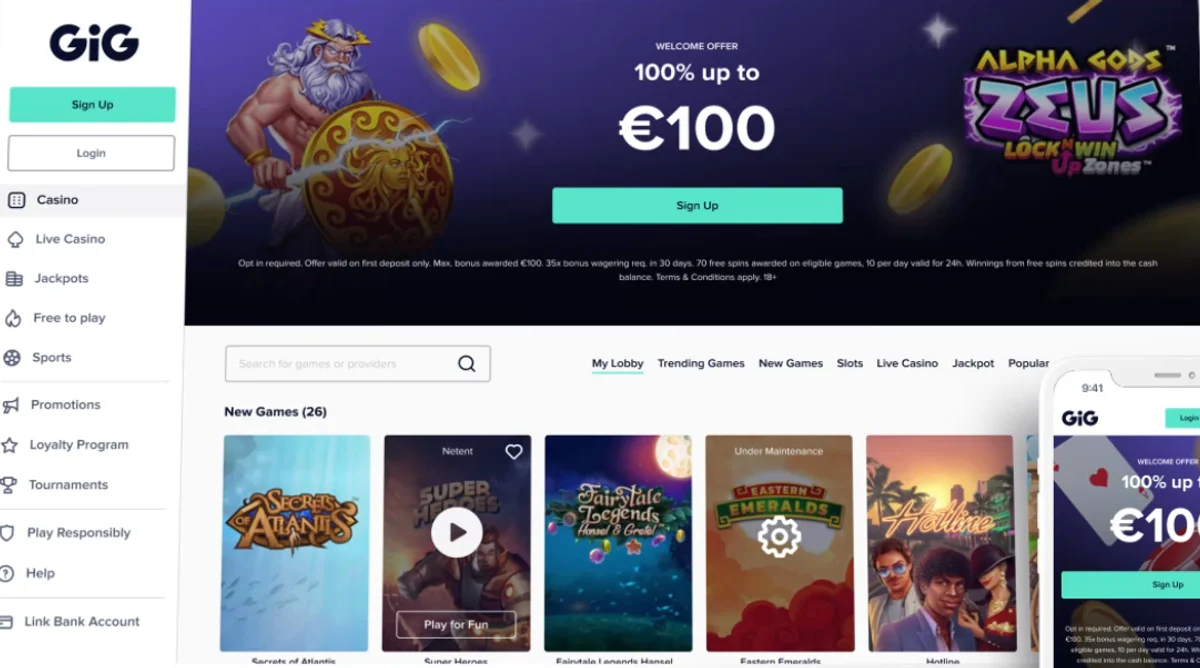
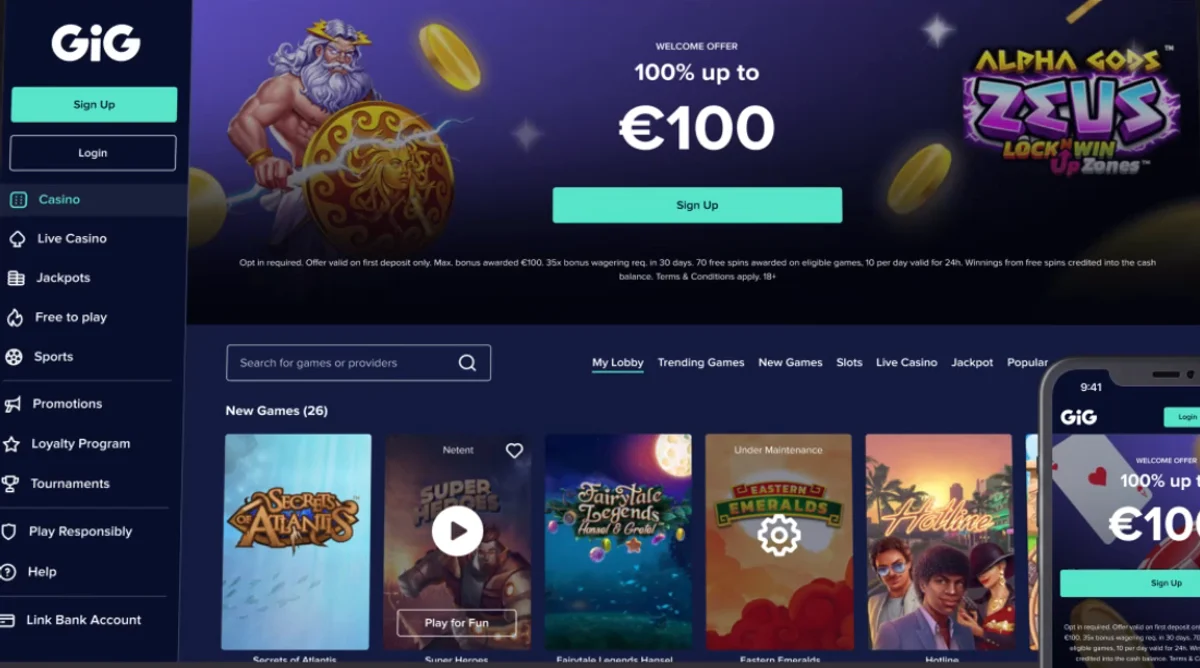
The sales demo couldn’t keep up.
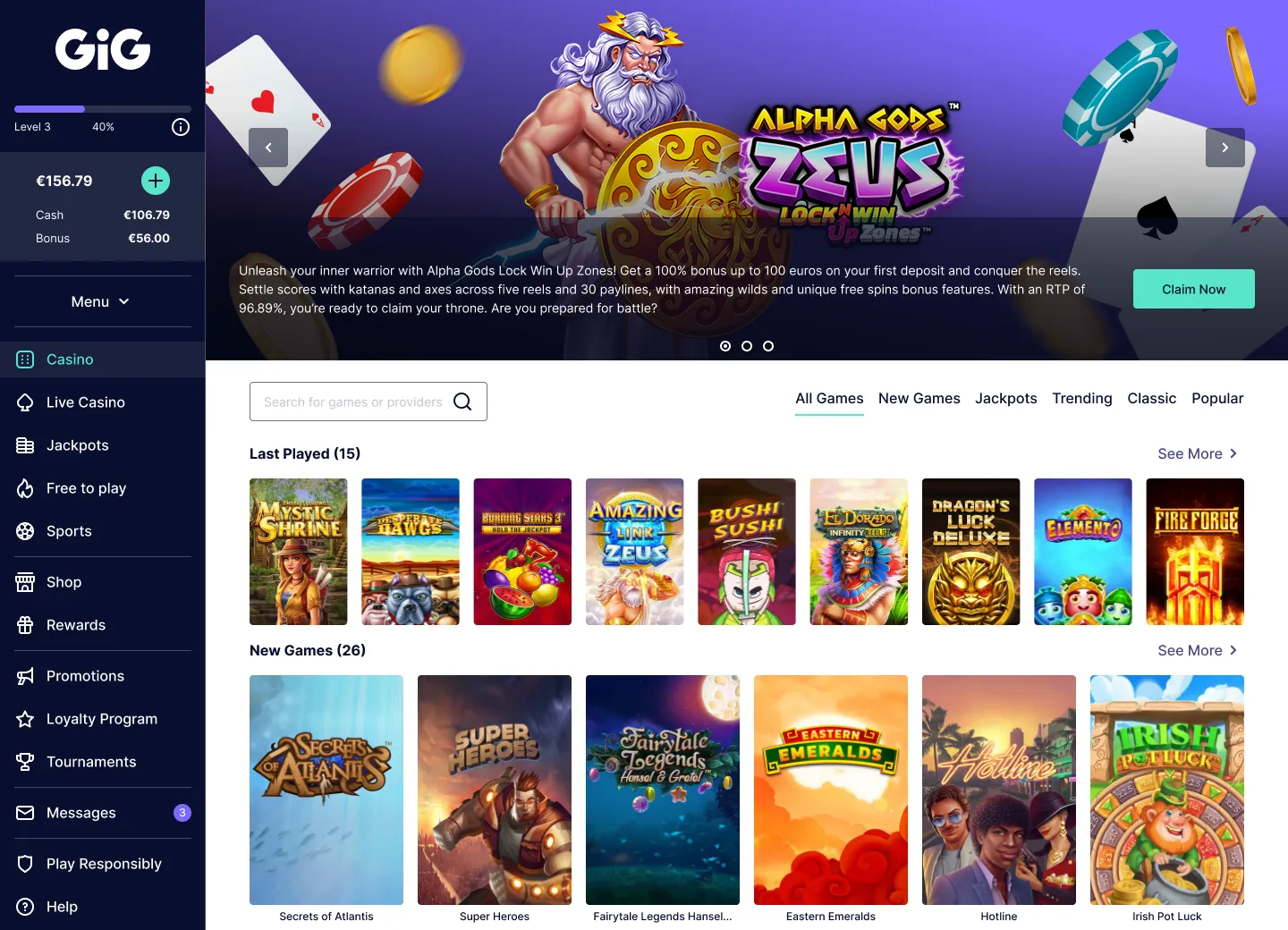
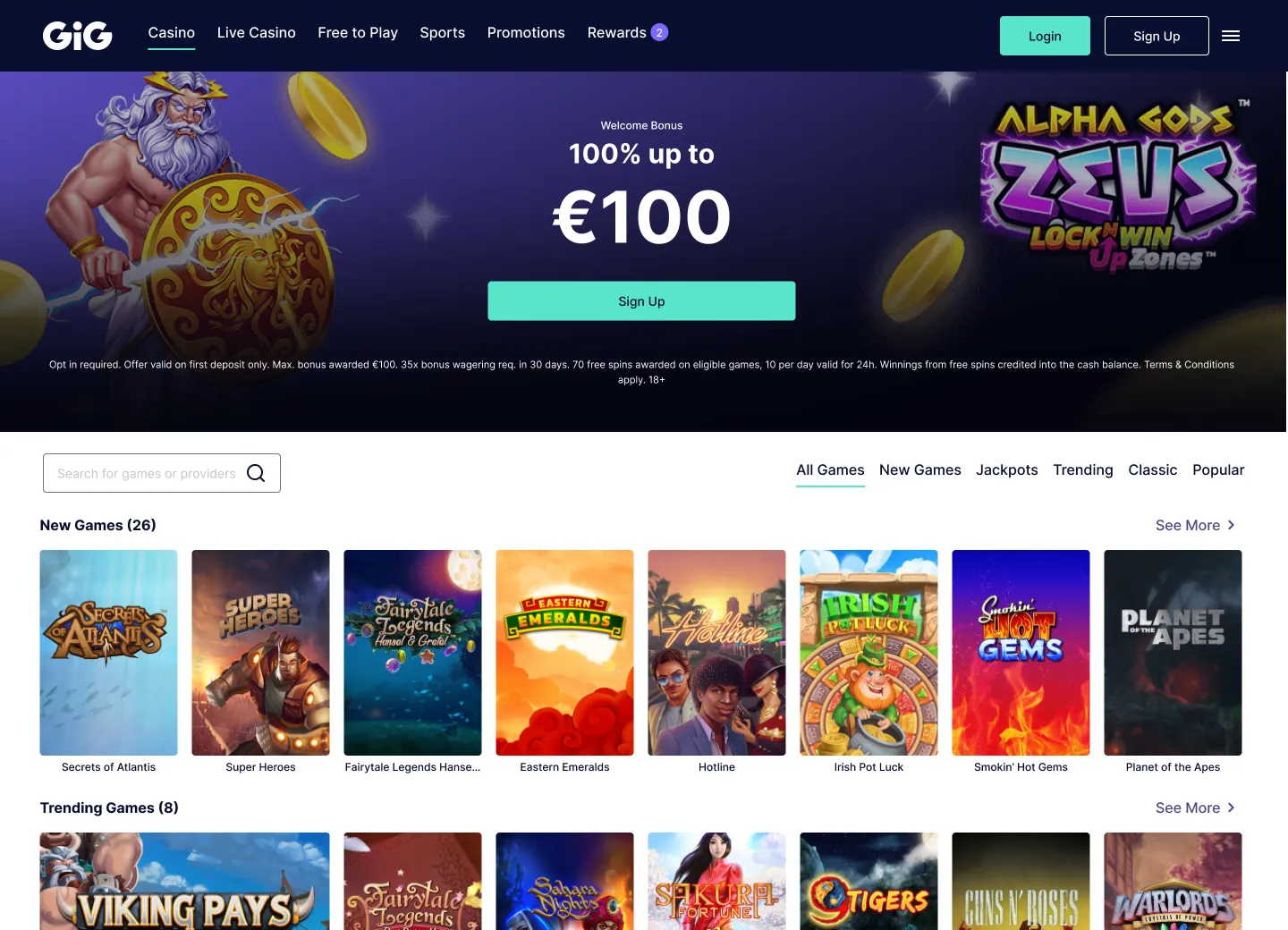
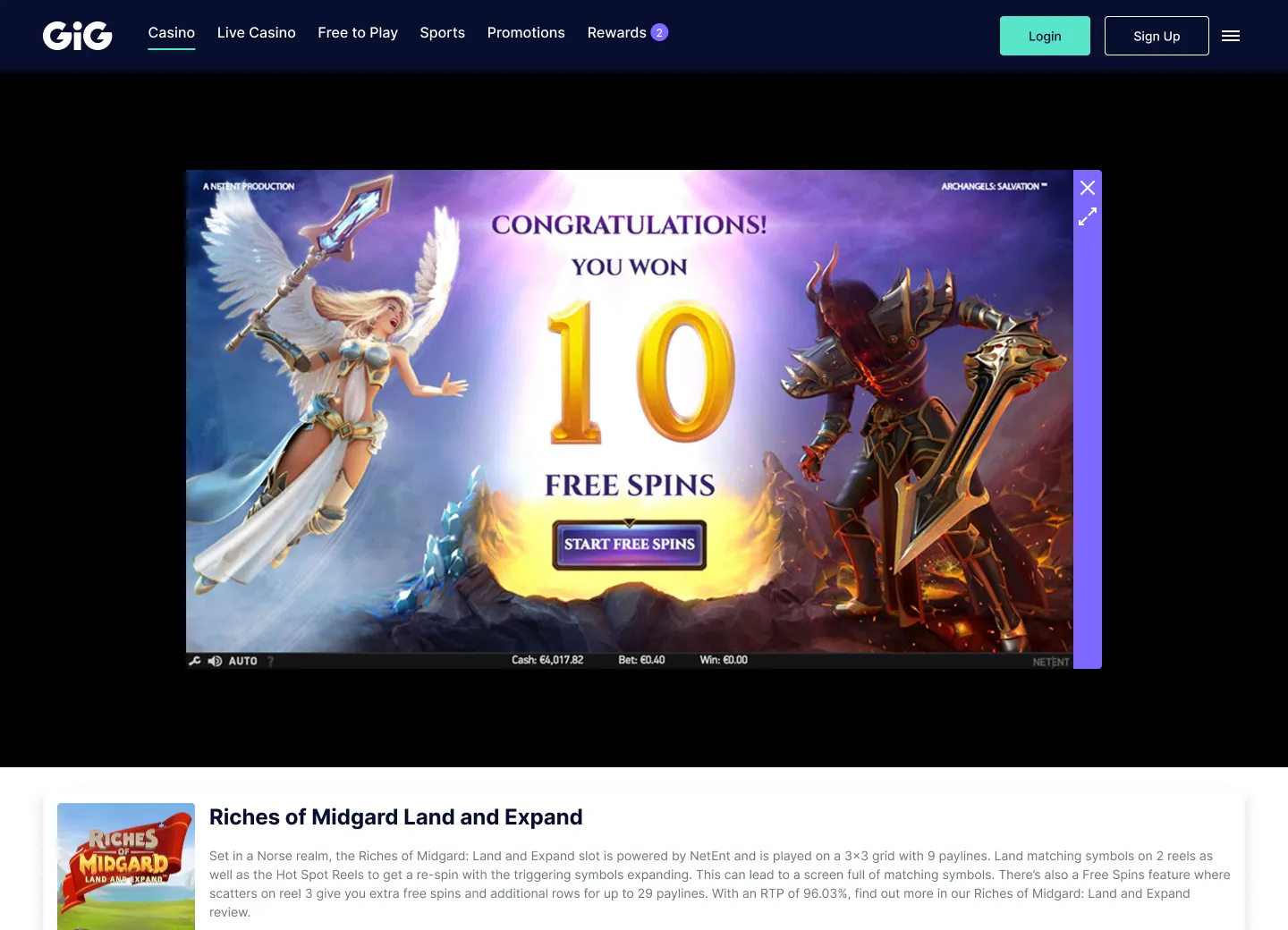
Sales used an incomplete demo at events, still carrying the old visual identity. Updating it needed development resources that weren’t always available.
 Back to home
The problem
Sales and onboarding were both losing time to the same underlying gap.
Sales used an incomplete demo at events, still carrying the old visual identity. Updating it needed development resources that weren’t always available.
The first configuration phase for a new casino stretched on, with several meetings needed just to explain the options and gather decisions on navigation, colours, theme, components or Sportsbook.
The solution
I proposed a Casino Customiser: an interactive Figma prototype to explore and configure the product’s main options visually, without a single line of code.
A flexible demo that Sales could adapt live during events, and the same prototype could speed up configuration with new clients.
Inside the Customiser
Every option lived in one prototype, free to explore without waiting on a meeting to find out what was possible.
01 · Colour
Clients chose a primary, secondary and tertiary colour, then opened each one’s tonal scale, with every step labelled with its hex value.
02 · Templates
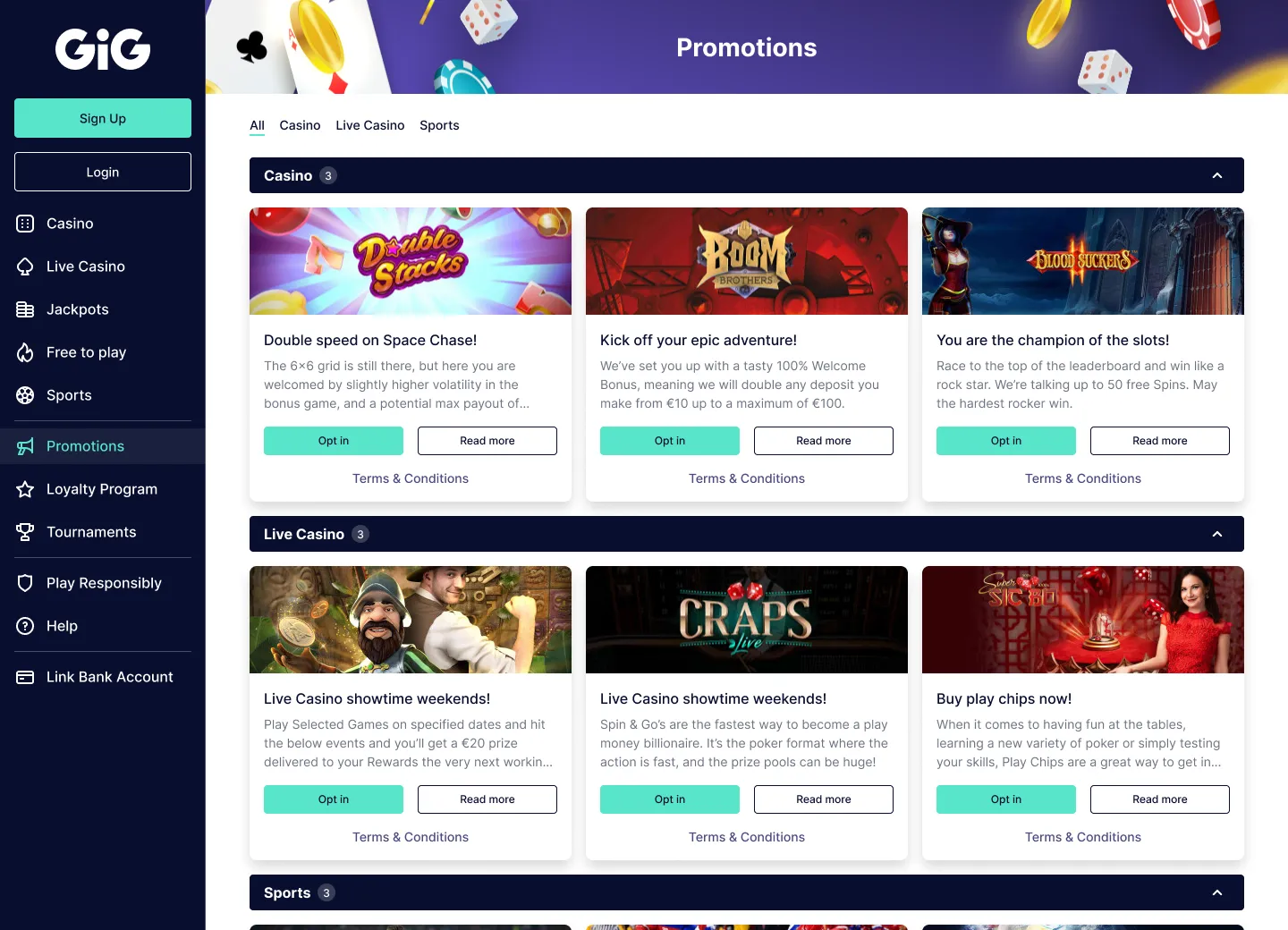
Curated theme templates combined colours and mode into a ready-made starting point, previewed live on real product pages.
03 · Mode & devices
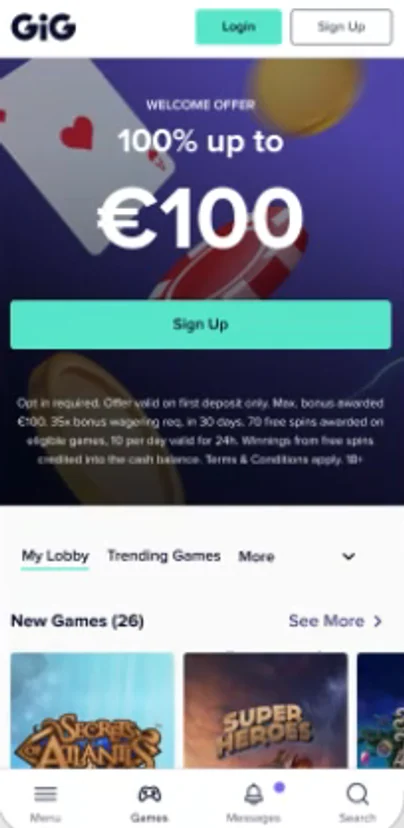
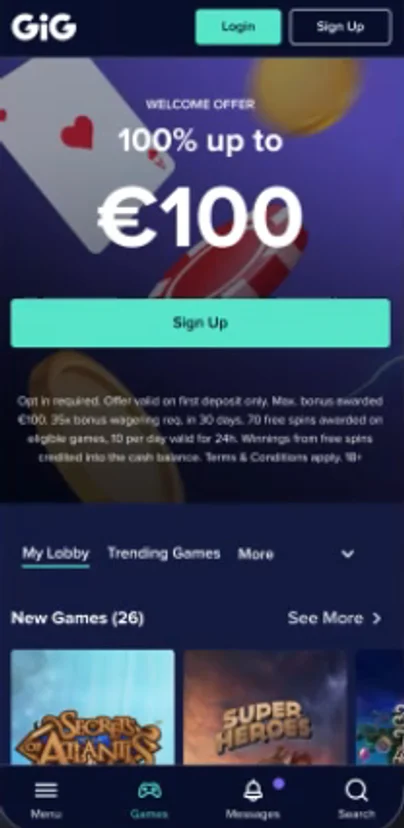
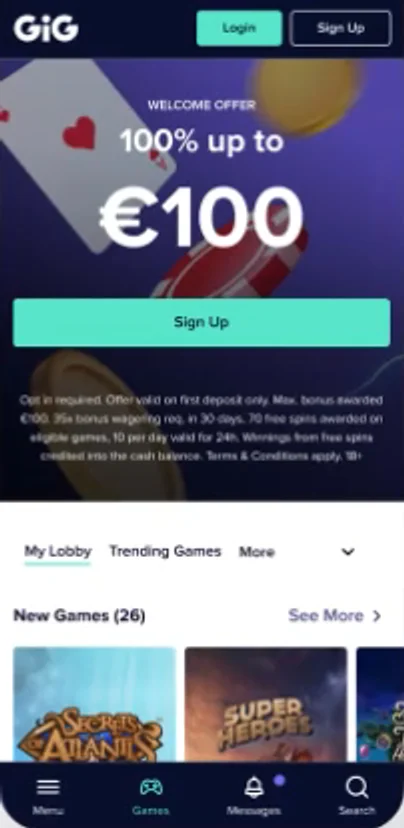
Every combination could be switched between light, dark and hybrid mode, and previewed on desktop and mobile side by side.
04 · Pages & features
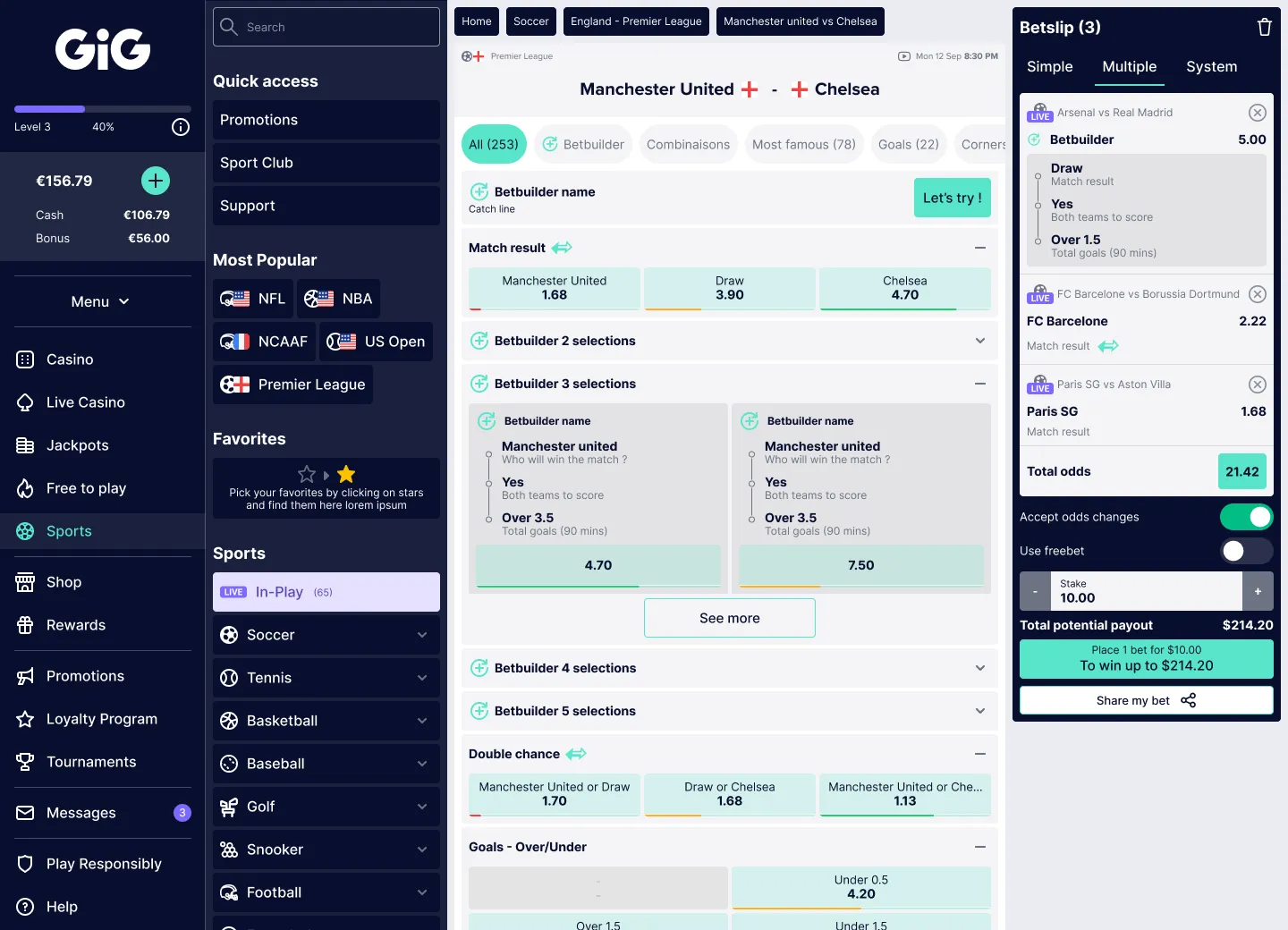
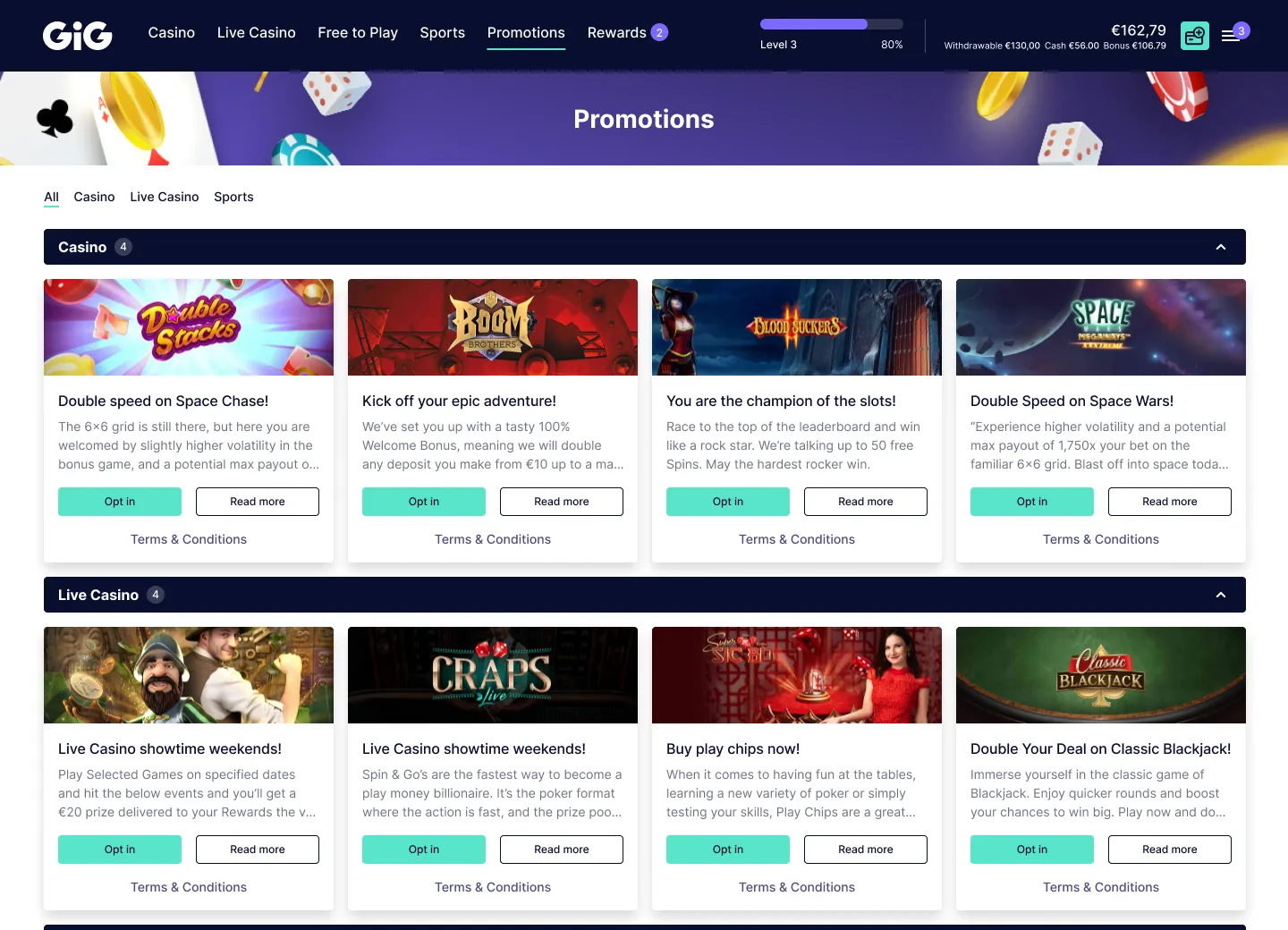
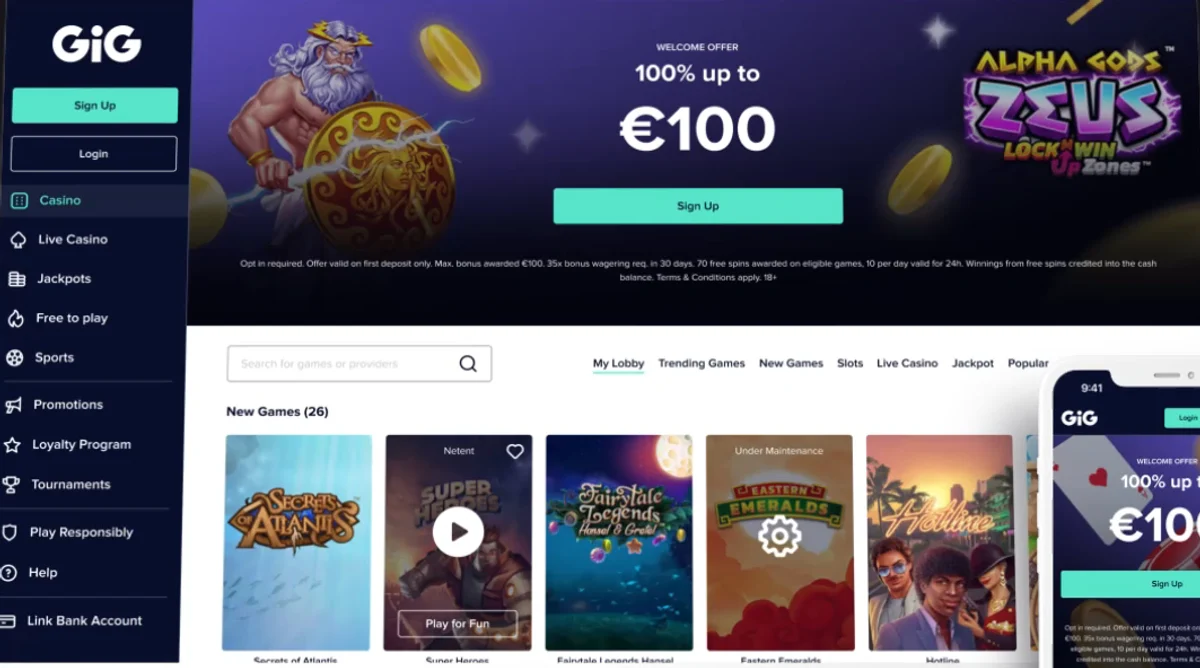
Clients stepped through the product’s representative pages, switched the navigation model and could turn Sportsbook off entirely: its pages left the flow, and the choice was recorded in the summary.
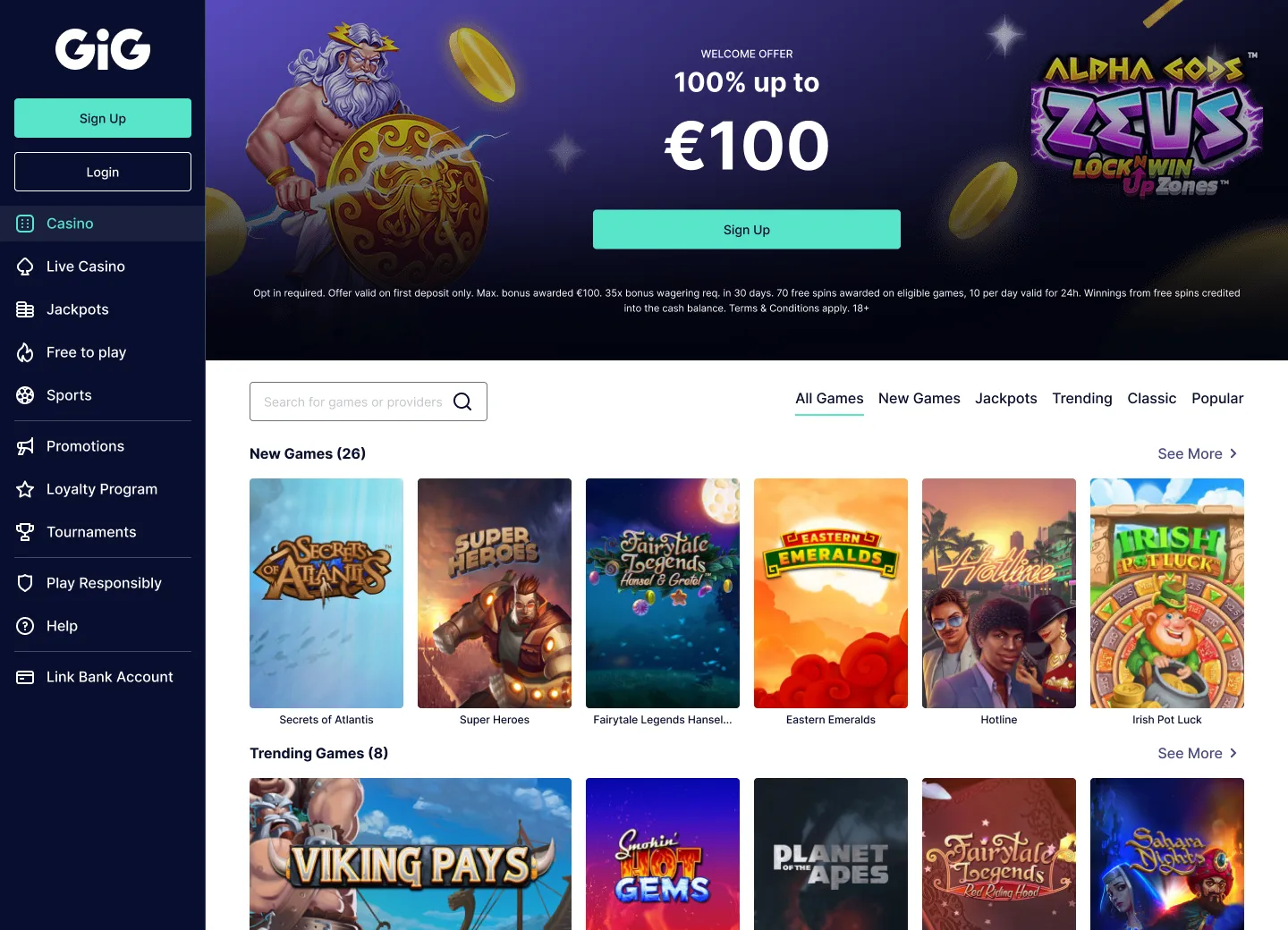
Configurations
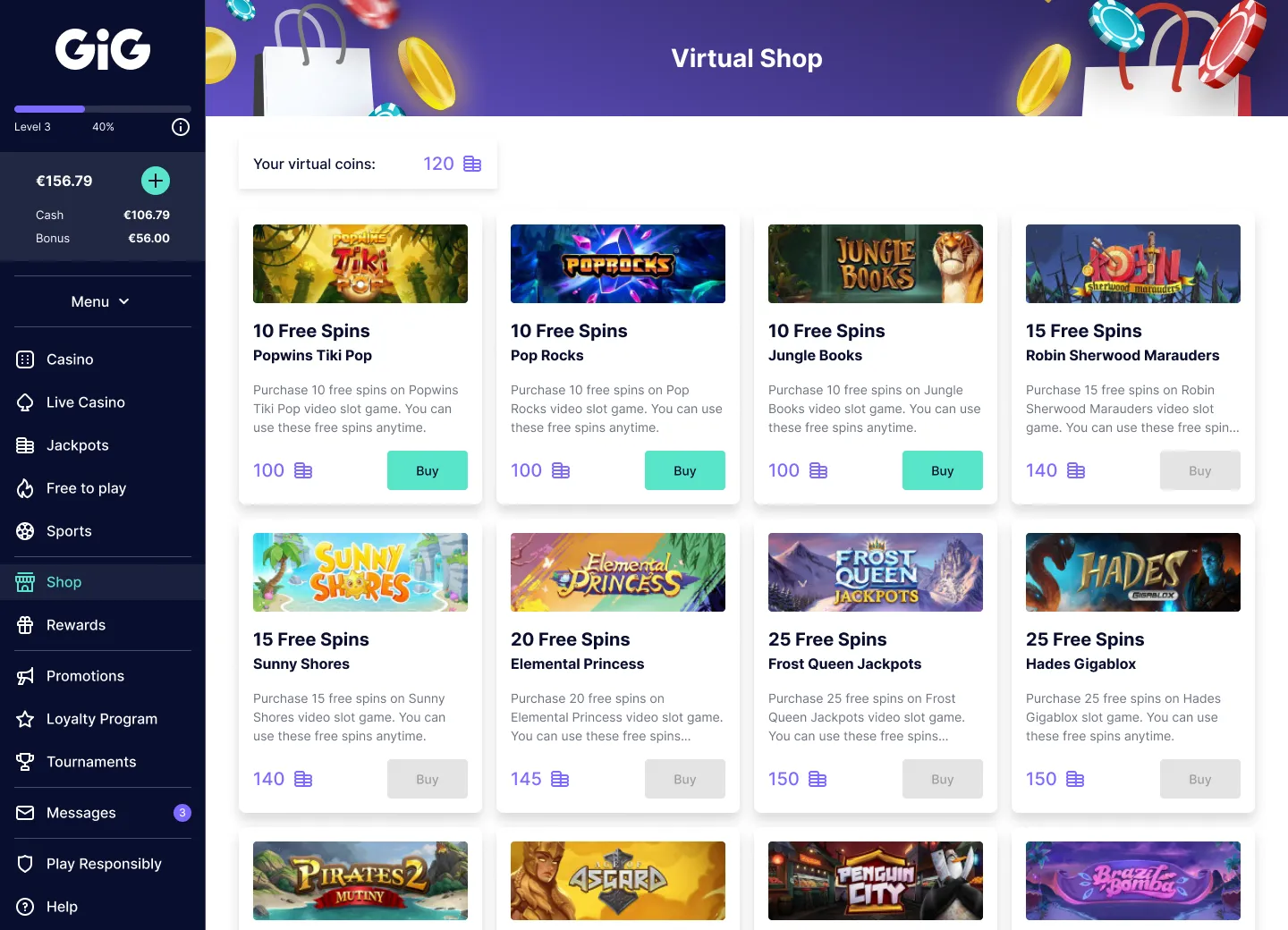
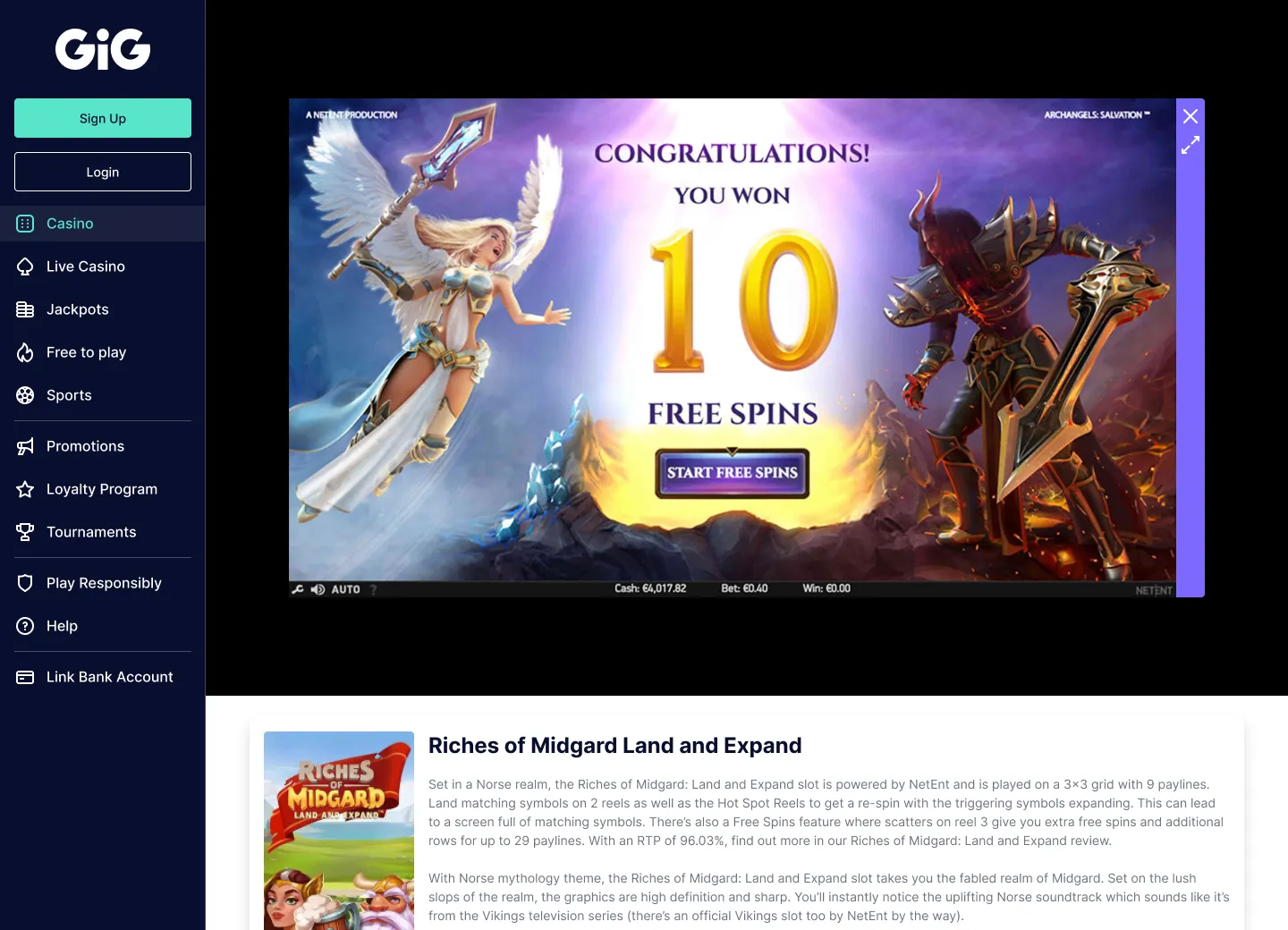
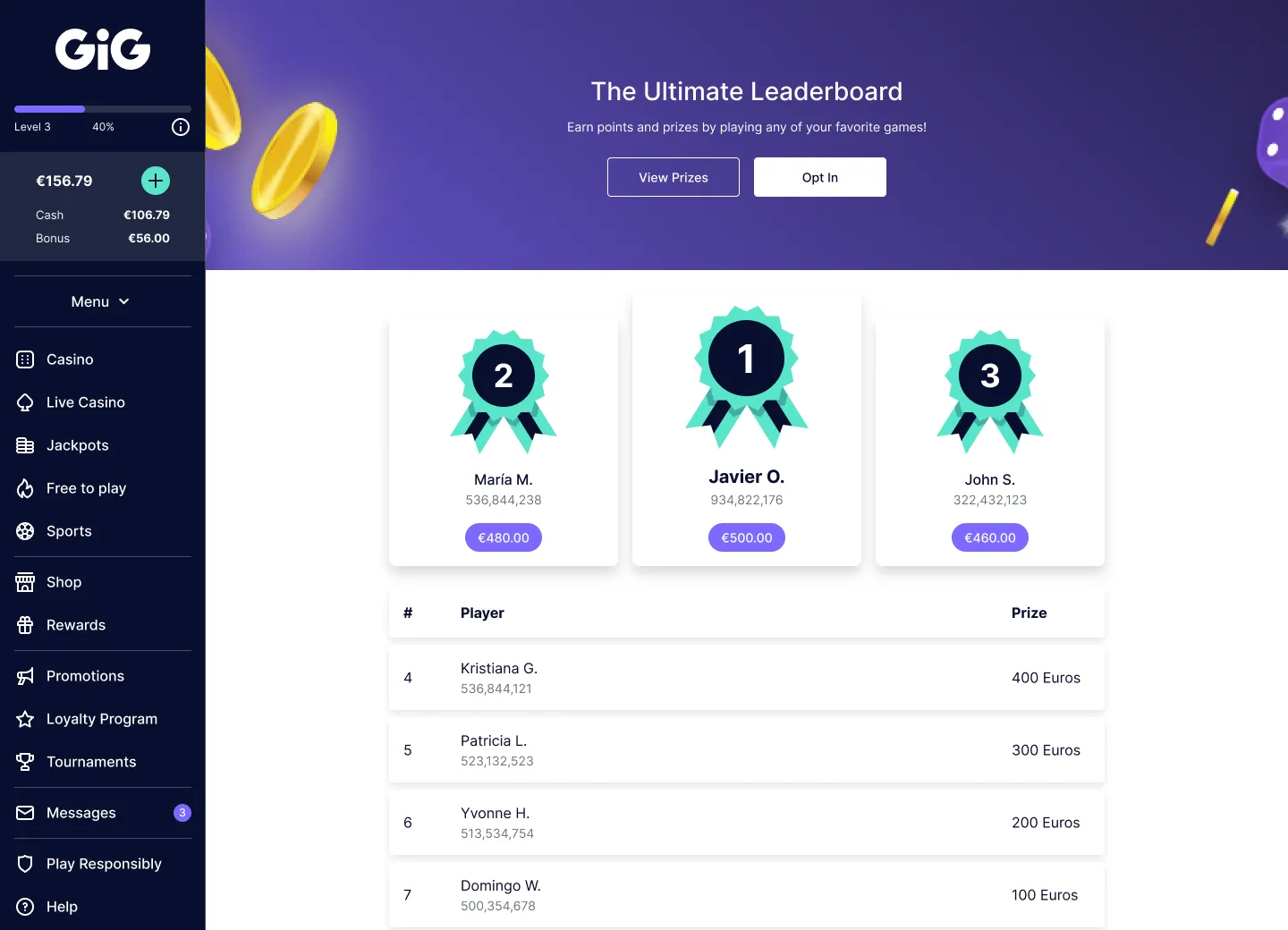
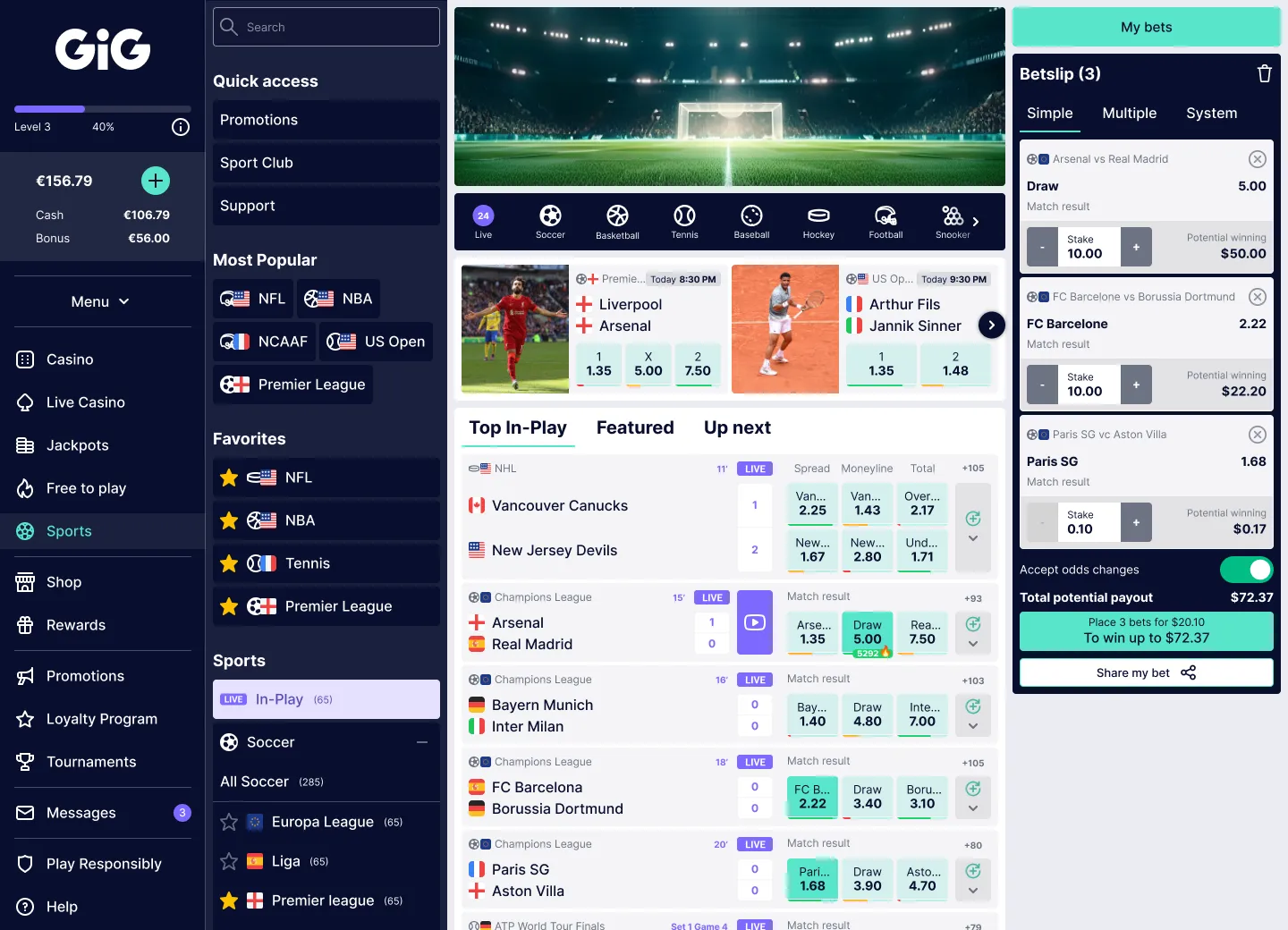
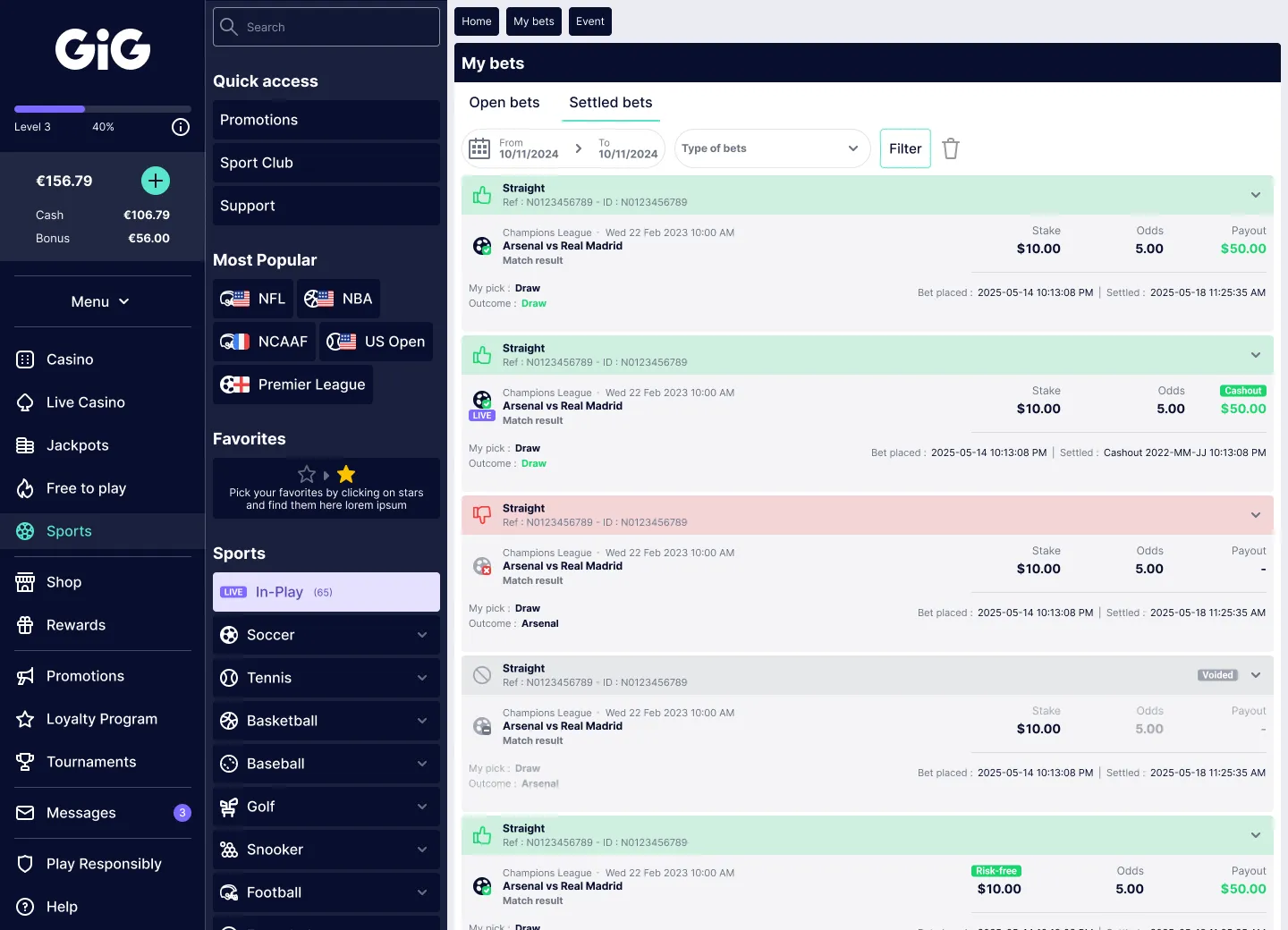
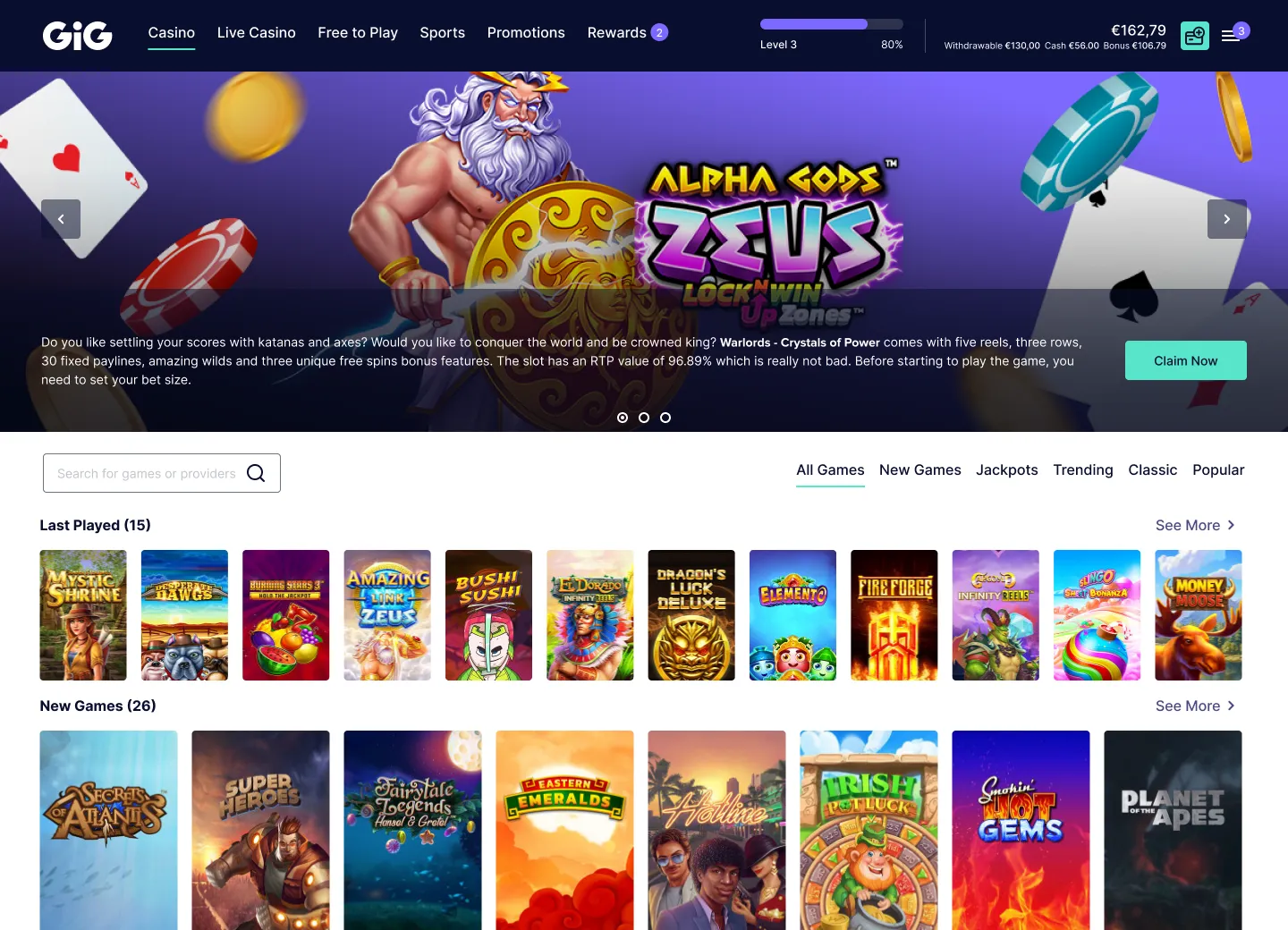
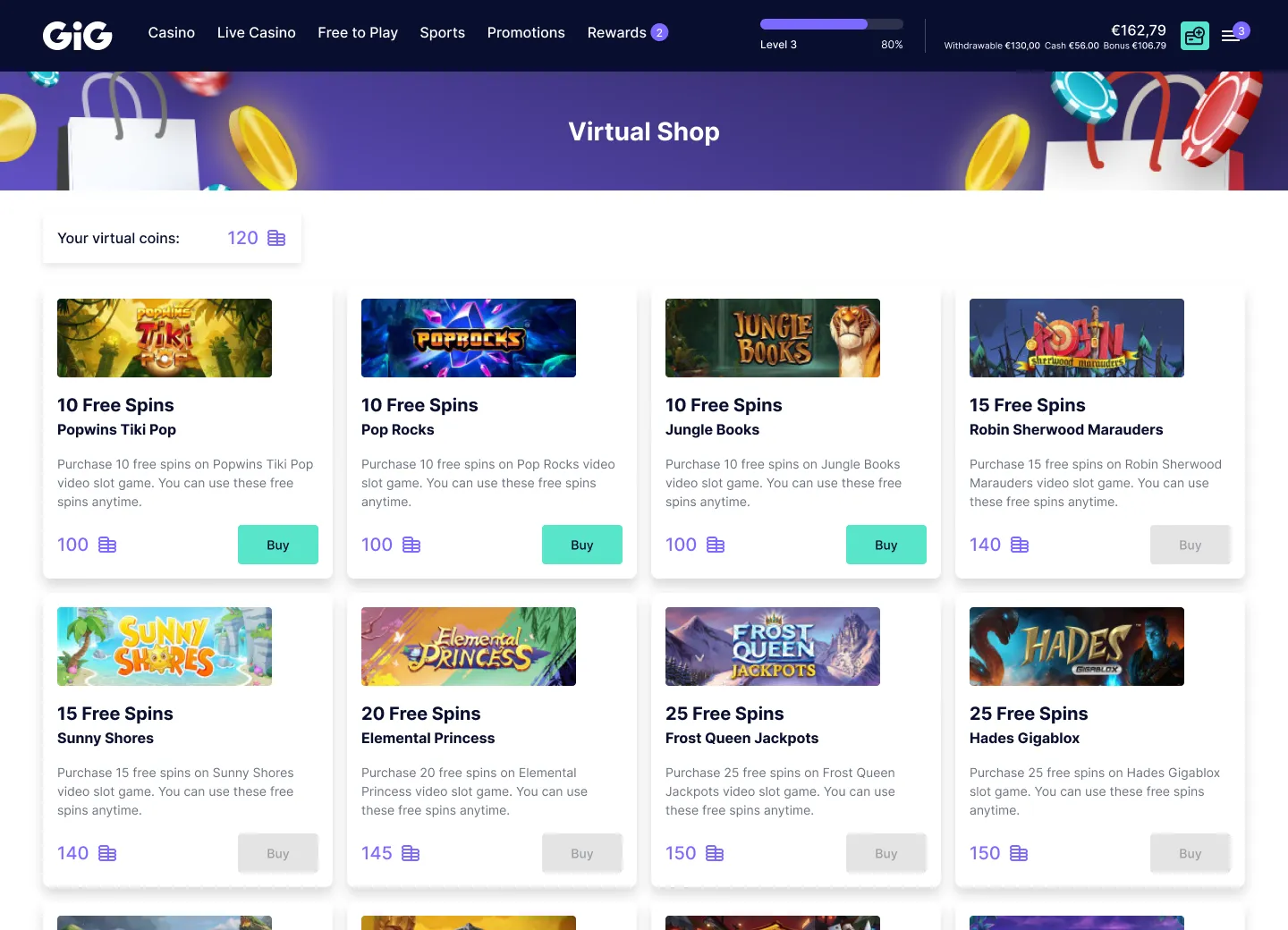
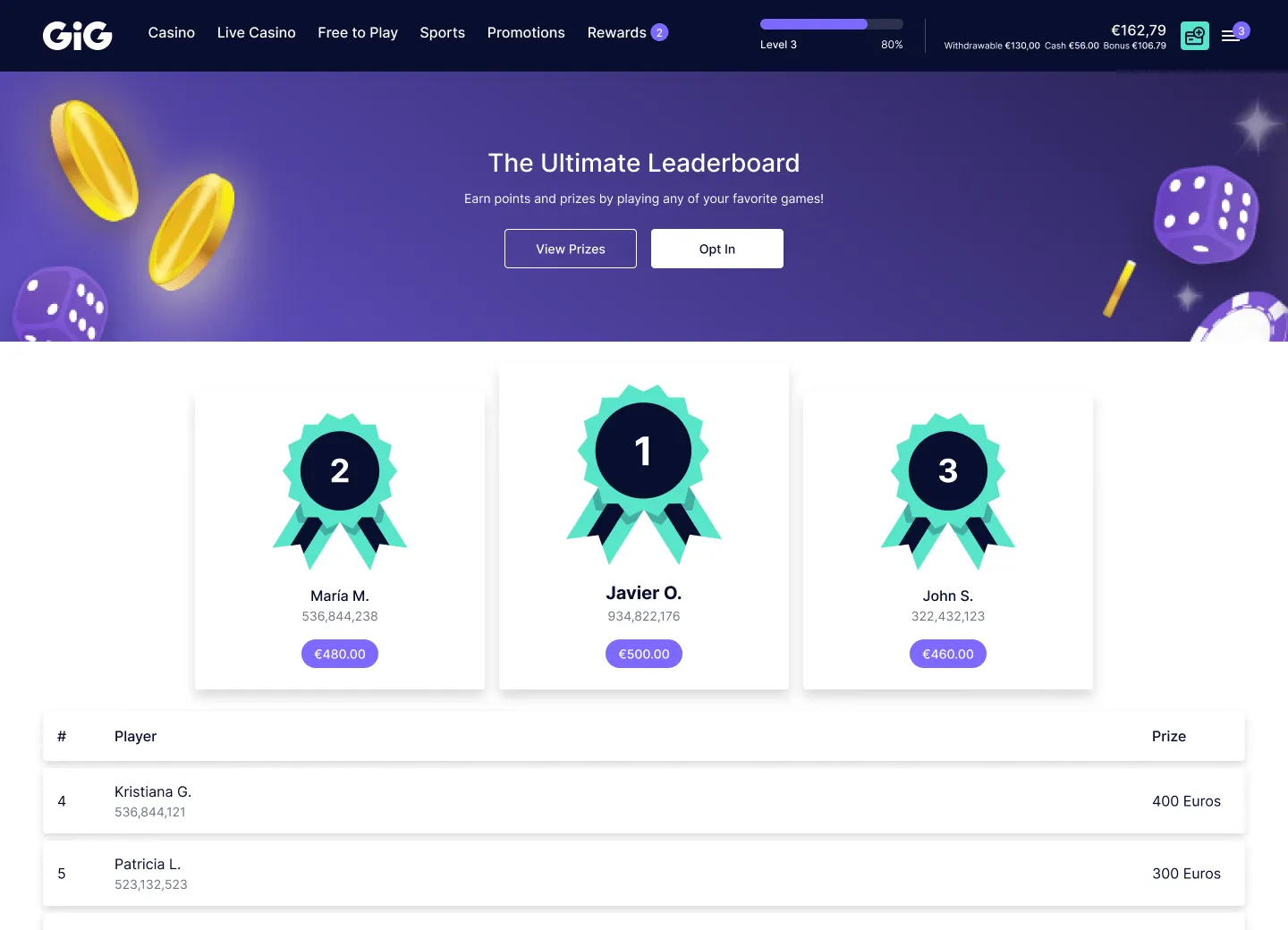
The same prototype, dressed as three different operators: the range a client could explore entirely on their own.
From meetings to self-service
The Customiser was sent to the client with simple instructions. No meeting was required to get started.
The client explored the options at their own pace, tried different combinations and sent back a screenshot of the configuration they preferred.
From that single screenshot, the Product Manager could read the key decisions (navigation, colours, theme, components and Sportsbook) without chasing them across several meetings.
Meetings were still there whenever the client needed advice. They just weren’t needed anymore to explain every possibility the product had.
The impact
Could present an always-current demo and adapt it live for different clients and events, including ICE.
Could explore the product’s possibilities and make decisions with more autonomy, at their own pace.
Received a clearer visual reference for the chosen configuration, reducing questions, meetings and clarifications at project kick-off.
The Customiser kept growing. New options and component variants were added to stay aligned with the product’s evolution.
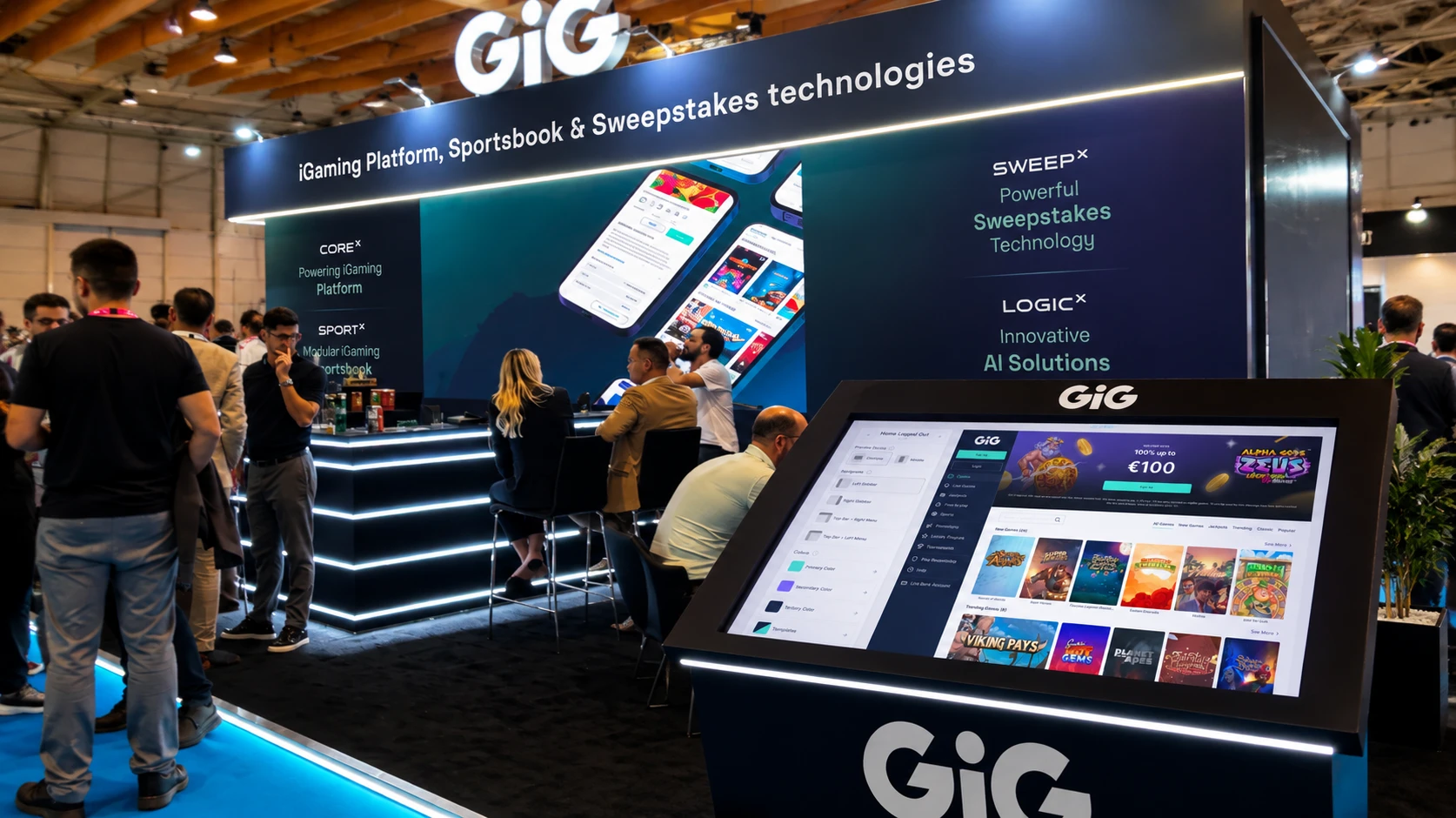
Behind the work

The live prototype lives inside WAND’s Figma workspace, so I can’t share the working file publicly.
I’d be happy to walk you through how it’s built, the variables behind it,
and how it changed the way we onboarded clients.